


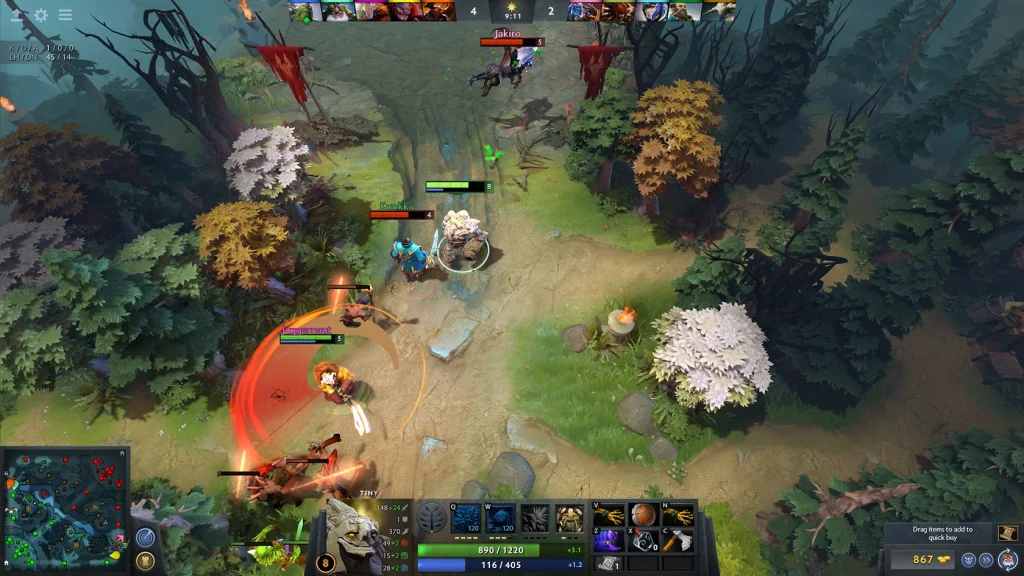
Creep skins replace the appearance of Radiant or Dire lane creeps. They do not change health, damage, movement, gold, experience, or spawn timing. The cosmetic is visible to the owner and may appear for other players according to the current loadout rules.
Most creep sets came from limited events or Battle Pass rewards. Many are not tradable or marketable. Ownership must be checked inside the Armory because an old event page does not mean the item is still obtainable.
What a creep skin changes
A complete set can replace melee, ranged, and siege creeps for one side. Some sets also include upgraded or mega creep models. The models and effects change, but the units keep the normal gameplay rules.
Radiant and Dire cosmetics can be separate inventory items. Owning one side does not always unlock the matching version for the other side. Read the slot name before equipping the set.
A creep skin belongs to the global world loadout rather than one hero. Changing heroes does not remove it. Terrain, towers, wards, weather, and announcers use other global slots.
Where creep skins came from
Valve distributed many creep sets through Battle Pass levels, seasonal events, and special reward tracks. Examples include themed sets from major event periods. Each item page states its release date and original source.
Limited rewards often carry Not Tradable and Not Marketable labels. These items cannot be bought through the Steam Community Market. A player who did not unlock them during the event may have no current acquisition route.
Some cosmetics can become available again through a later treasure or event, but this requires a new Valve announcement. Do not trust a seller who promises to transfer an account-bound creep set outside the supported Steam systems.
Equip a creep set
Open the Armory from the Dota 2 main menu. Choose the global or world items section. Find the Radiant Creeps or Dire Creeps slot and select an owned set.
Press Equip and confirm the required side. If the set has two separate items, equip both Radiant and Dire versions. Start Demo Hero or a bot match to check the result without waiting for matchmaking.
The menu name can change slightly with the interface language. Search the Armory for the exact cosmetic name when the world category contains many items.
| Check | Explanation |
|---|---|
| Equipment slot | Radiant Creeps or Dire Creeps |
| Original release | Battle Pass, event, treasure, or other Valve reward |
| Steam trading | Check whether the item can move between inventories |
| Steam Market | Check whether the item can be listed on the Steam Community Market |
| Effect on gameplay | It does not change gameplay. The change is cosmetic |
Understand side selection in a match
A loadout may provide different models for Radiant and Dire. The match still chooses the player’s team normally. The cosmetic does not let a player choose a side or change the map.
Several players can own different global cosmetics. Dota applies its current loadout rules to decide which presentation appears. The result can vary when the game combines world items from different players.
Custom games may replace or ignore standard lane creep models. Test the cosmetic on the normal Dota map before reporting a missing item.
Fix a skin that does not appear
Return to the Armory and verify that the item says Equipped. Check both side slots. Then restart the client and open a normal demo or bot match.
Disable a custom terrain or game mode temporarily. A workshop mode may use its own unit models. Also verify the local game files through Steam when several cosmetics are missing or display broken textures.
If the item is visible in the inventory but has no Equip action, read its slot and restrictions. A bundle, tool, or preview object is not always the actual lane creep cosmetic.
Check an item before trying to buy it
Open the item details and look for Tradable, Marketable, and Giftable status. Use the official Steam Community Market only when the item is marketable. Compare the exact item name and side.
Never transfer a Steam account to obtain one cosmetic. Account sales violate platform rules and expose the buyer to recovery fraud. Limited creep skins are visual extras and do not provide a competitive advantage.
For an unavailable set, keep the default creeps or use another owned world item. The default models always preserve the same gameplay information.
 EN — English
 RU — Русский
Comments (0)