

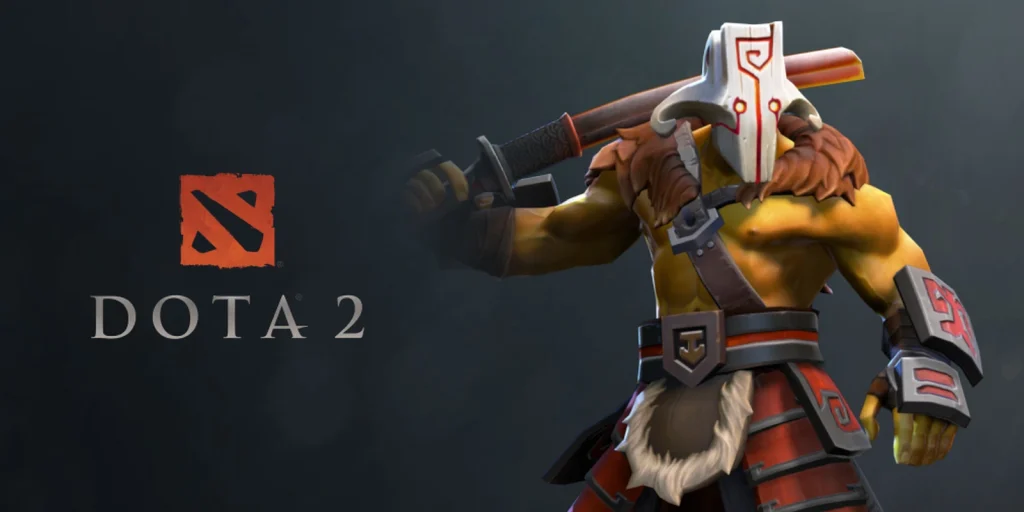
Taunts are cosmetic animations made for specific heroes. Owning a taunt does not automatically place it in the hero loadout. The item must match the selected hero and must be equipped before the hotkey can use it.
The equipped taunt should appear in the loadout before the match starts. If the slot is empty, the key has nothing to play.
Use the current method
Open the Armory or the hero loadout, find the taunt slot and equip the compatible item. Confirm that it belongs to the correct hero.
Open Hotkeys and assign the Taunt action to a free key. Avoid a key already used by an item, control group or chat wheel.
Enter Demo Hero and press the assigned key. Some taunts allow movement, while others stop or change the animation when another action begins.
Check that the change worked
Wait for the cosmetic cooldown before testing again. Repeated key presses do not remove that limit.
Try moving, attacking and casting after the taunt begins. This shows which actions cancel the animation.
Avoid common problems
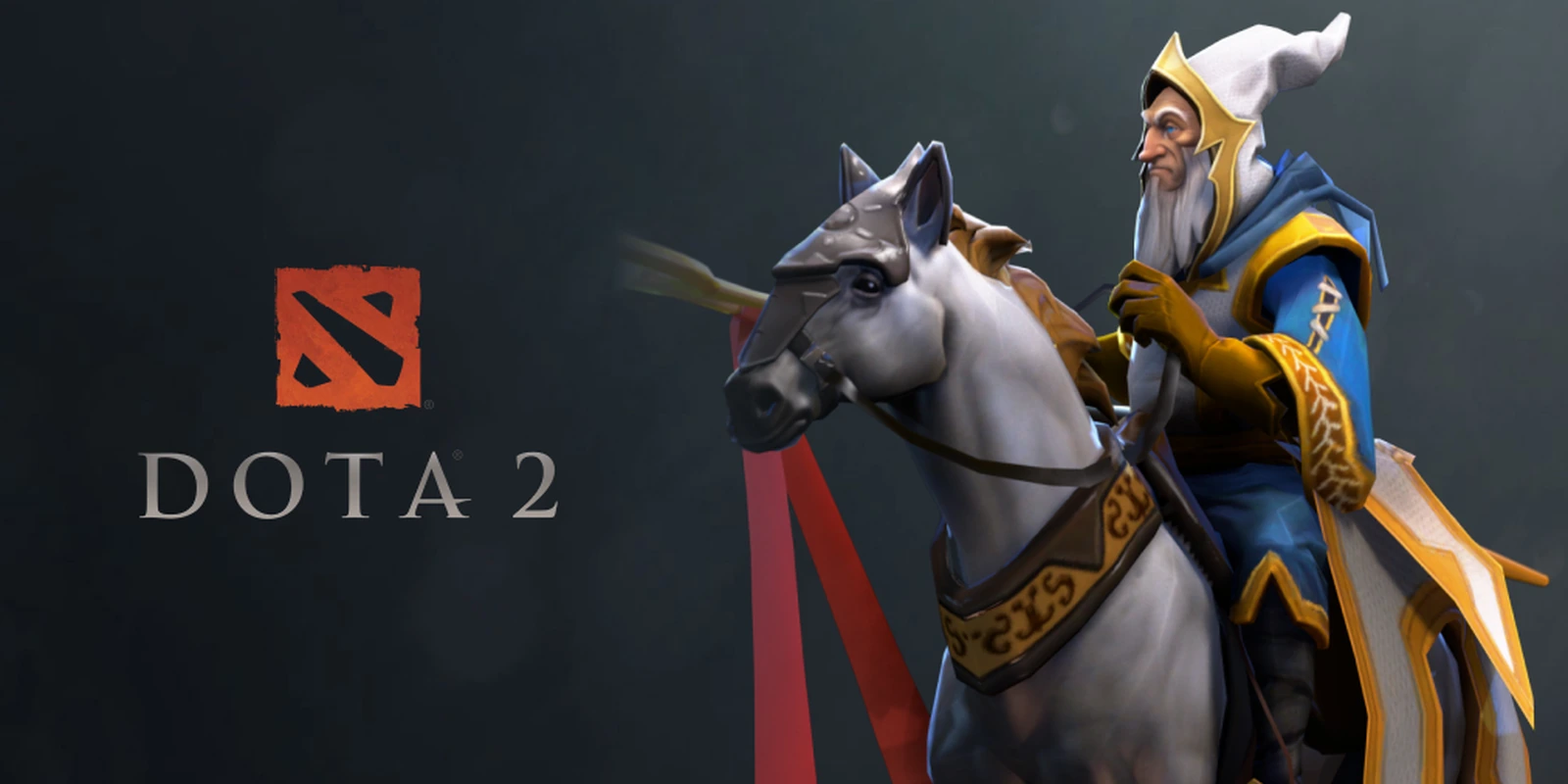
A taunt for one hero cannot be equipped by another hero. Similar item names do not change this restriction.
Market or trade restrictions can apply to cosmetic items. They do not prevent an owned compatible taunt from working in a match.
Do not replace game files to force a custom animation. Use items recognized by the current Armory.
Final check before a normal match
Repeat the method once in a fresh private lobby. Confirm the visible result, then return every temporary setting to its normal value. This short check prevents a practice command or experimental control from affecting the next ordinary game.
Game menus and internal commands can change after an update. When the current client does not show an option described here, use the visible replacement instead of forcing an old file or command. The saved post remains a draft so an editor can confirm the current interface before publication.
 EN — English
 RU — Русский
Comments (0)