

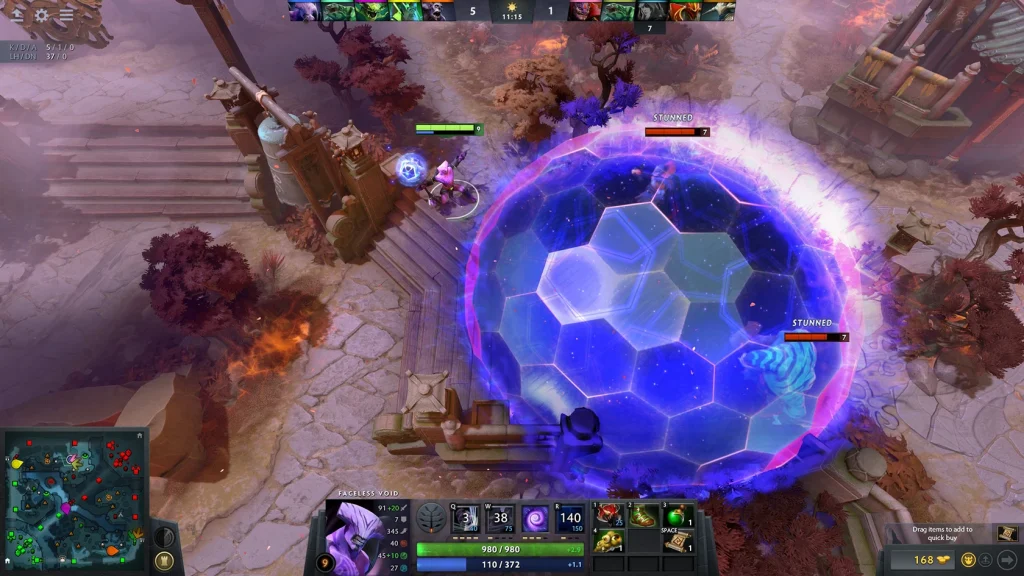
Neutral items can be tested safely in a private Dota 2 lobby. The method changed after the neutral item system was revised in patch 7.41. Players now work with Madstones and enchantments, so many older item commands no longer produce the expected result.
This guide explains the current method and keeps every command inside a private practice match. Lobby cheats do not work in normal matchmaking and cannot change a public match.
Create a private lobby with cheats enabled
Open Dota 2 and select Play, then Custom Lobbies and Create. Choose the normal Dota map unless you need a specific custom setup. Open the lobby settings before starting the match. Enable cheats and add bots only when they help your test.
Start the lobby and choose a hero. Wait until the map finishes loading. The chat commands described below require the lobby cheat option. If the game rejects a command, leave the match and confirm that cheats were enabled before the lobby started.
A demo hero session also accepts many practice commands. A full lobby is better when you need normal lanes, neutral camps, both teams, or a realistic game timer.
Use Madstones for the current neutral system
Patch 7.41 changed how neutral rewards are tested. The most dependable current shortcut is the chat command -item madstone. Enter it without quotation marks. Repeat the command when you need more rolls or want to compare several available choices.
The command places the practice item in your inventory when the lobby accepts it. Use the normal neutral item interface to choose an item and its available enchantment. This follows the current system more closely than forcing an old neutral item by name.
Some older guides recommend commands such as -item item_apex. Those commands may fail, create a legacy object, or skip the current enchantment process. Use Madstones first when testing patch 7.41 or later.
Useful commands for a controlled test
Use -gold 99999 when a build also needs regular shop items. Use -lvlup 29 to reach level 30 from level one. The command -wtf removes mana costs and most cooldowns, while -unwtf restores normal rules. These commands are useful for repeated damage tests.
The command -spawnneutrals refreshes neutral camps in supported practice lobbies. The command -startgame moves the match past the preparation period. Use -teleport to move the selected hero to the cursor position when the lobby supports that cheat.
Change one condition at a time. Keep the same hero, level, enemy armor, and regular items while comparing neutral choices. Otherwise, the damage result may change for a reason that has nothing to do with the neutral item.
| Purpose | Command | Result |
|---|---|---|
| Open the current neutral item selection | -item madstone |
Adds a Madstone for neutral item testing |
| Add gold | -gold 99999 |
Provides gold for a complete build |
| Increase hero level | -lvlup 29 |
Raises a level-one hero to level 30 |
| Remove cooldowns | -wtf |
Enables repeated spell and item tests |
| Restore normal rules | -unwtf |
Disables the WTF practice mode |
Check enchantments and hero attributes
The 7.41 system connects parts of the enchantment pool with hero attributes. A test made on one hero may not present the same choices on another hero. Repeat the process with the actual hero that will use the item in a match.
Record the neutral item name, enchantment, hero level, facet, and regular inventory. Then test the same spell or attack several times. This produces a useful comparison instead of one isolated damage number.
Illusions, summons, attack modifiers, and percentage bonuses may react differently. Test them separately. For an active neutral item, also check cast range, target rules, cooldown, and whether the effect breaks when the hero takes damage.
Fix common lobby problems
If -item madstone does nothing, confirm that the command begins with a hyphen and was entered in team chat. Verify that the match is a private lobby or demo session. Public matches ignore cheat commands.
If the inventory is full, move or remove another item before using the command again. If an old item name fails, do not assume the item is missing from the live game. Internal names and the neutral system can change between patches.
Restart the lobby after a major game update. A practice session opened before an update may use stale resources. The safest result comes from a fresh client, a new lobby, and the current live patch.
 EN — English
 RU — Русский
Comments (0)